This page explains SEMRS policies in plain words. SEMRS products follow the rules of Google Search, Google AdSense and WordPress.org. Here you will see what SEMRS does for you, and the few things you still need to do yourself.
The 4 areas SEMRS policies cover
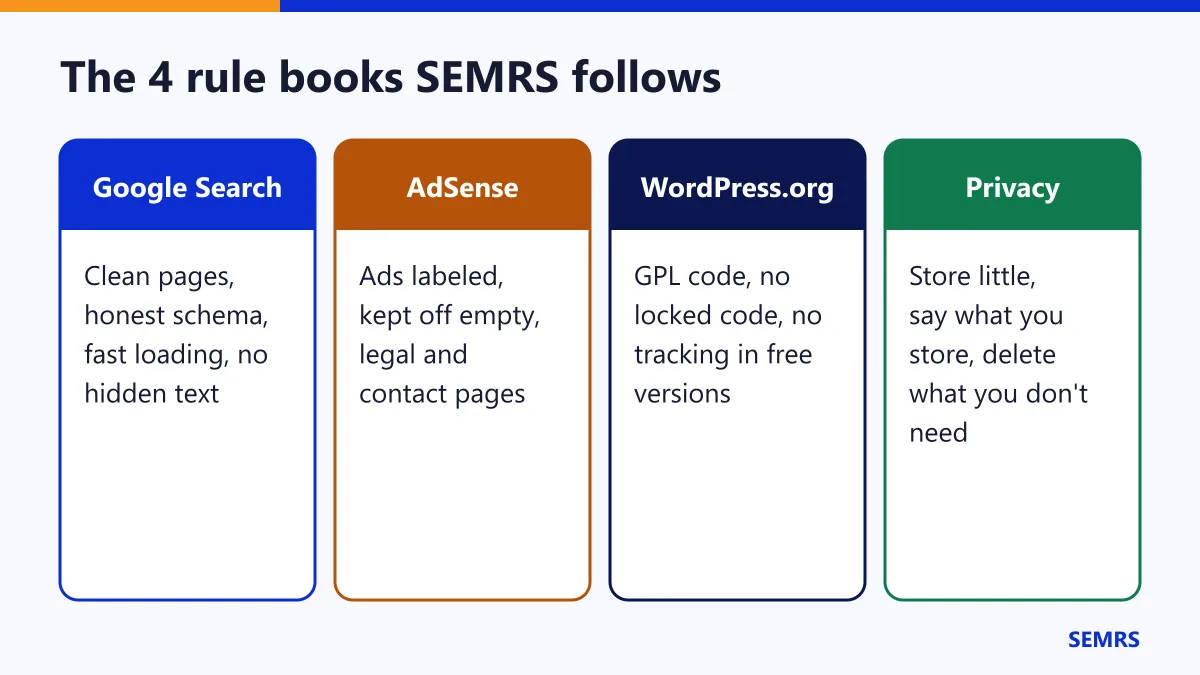
Google Search
What SEMRS does for you:
- Clean pages: one main heading per page and real text that Google can read.
- Honest schema: it only describes what visitors can see. SEMRS never adds fake reviews or ratings.
- Fast pages: a light theme, saved space for ads and an optional page cache.
- No annoying popups: Pro popups always have a close button. On phones they open small, at the bottom.
Your part: write helpful, original content for people. Follow Google Search Essentials.
Google AdSense
What SEMRS does for you: it keeps ads off contact, legal and empty pages. It labels every ad. It limits how many ads go in one article. See the full ads guide.
Your part: never click your own ads. Keep ads.txt up to date. Use a consent tool for visitors in Europe and the UK.
WordPress.org
The free SEMRS theme and plugins follow the Plugin Directory guidelines and the theme review rules.
- Free means free: the free plugins hold no locked, paid-only code. Pro features live in the separate SEMRS Pro plugin.
- No tracking: the versions on WordPress.org never contact semrs.com.
- No surprises: nothing switches on without your choice, except safe defaults that are explained on screen.
- Your content stays yours: SEO, forms and ads live in plugins. If you change your theme, you keep them.
- Open license: all code and pictures use the GPL license.
Privacy
| Feature | What is saved | Where |
|---|---|---|
| Contact form | What the visitor types, the page and the time | Leads in your dashboard and your email |
| Spam limit | A scrambled code made from the visitor’s IP, for one hour | Your database, then removed |
| Ads | Nothing. Ad networks set their own cookies. | – |
| Pro popups, dark mode, click protection | Small settings, such as “popup already shown” | The visitor’s own browser only |
| Page cache | Copies of public pages | Your own server |
| SEMRS Pro license | Key, site address, plugin version | Sent to semrs.com for updates |
Your part, in one picture
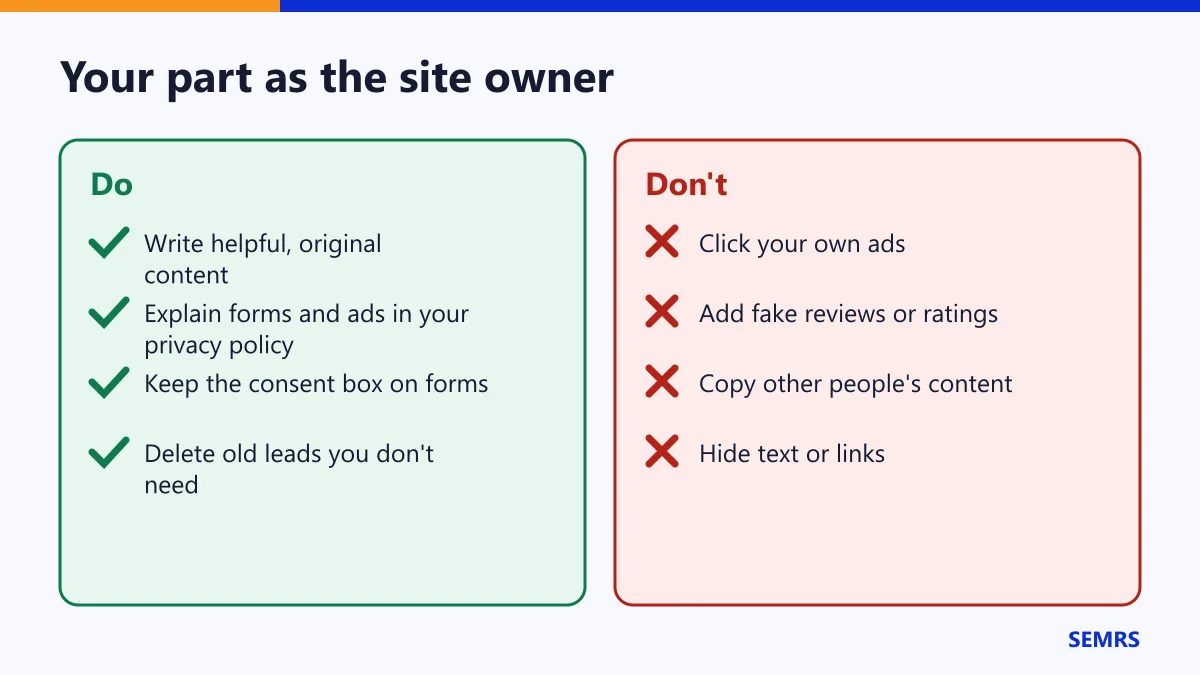
- Explain your contact form and ads in your privacy policy. Settings → Privacy helps you write one.
- Keep the consent box on your contact form.
- Delete old leads you no longer need.
- Use a consent tool if the law asks for one where your visitors live.
Trademarks
Google, AdSense and WordPress are trademarks of their owners. SEMRS is an independent company. We are not part of Google or WordPress.org.
SEMRS policies help and next steps
Rules change from time to time, so check the official pages now and then. Read our own privacy policy and terms too. Questions? Contact us.