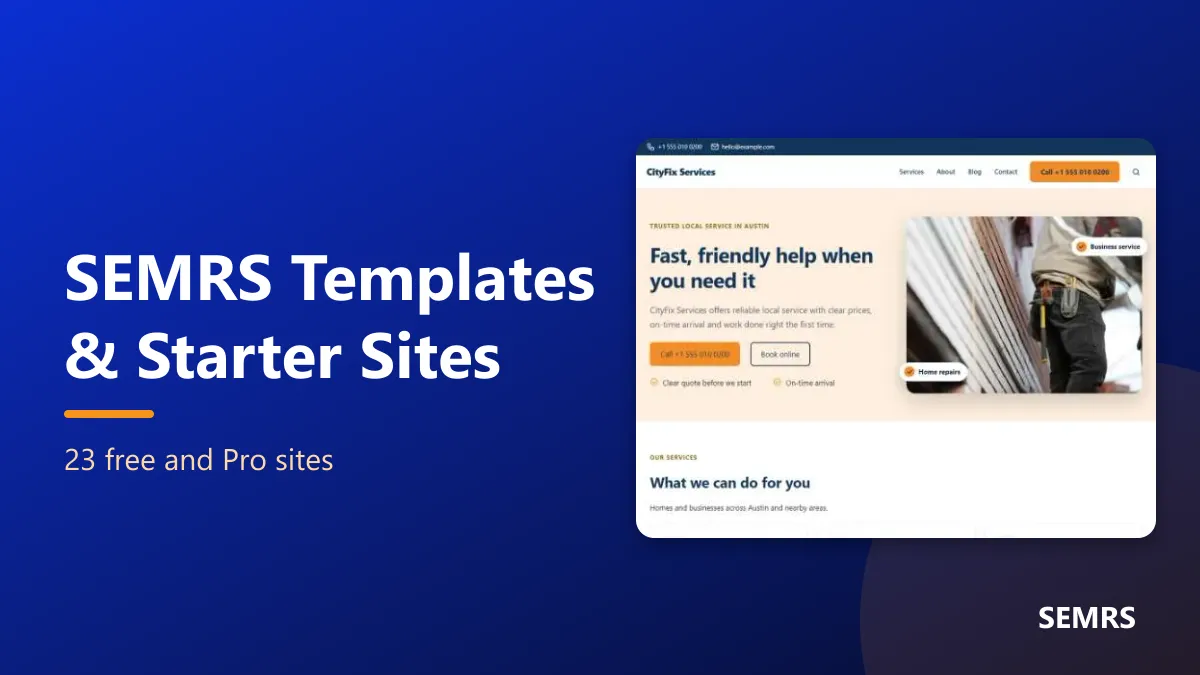
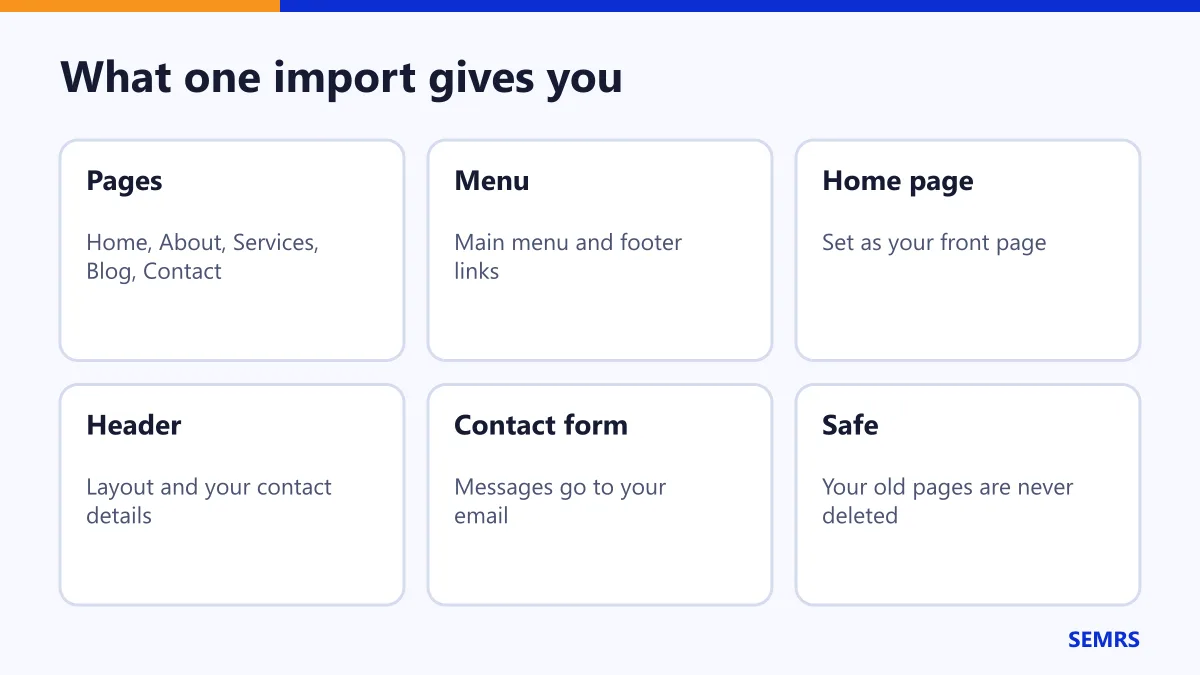
SEMRS templates give you a whole website to start from. Pick a design, add your details and click Import. Your pages, menu and header are made for you. Then you just change the words and pictures.
Where to find SEMRS templates
The templates come with the free SEMRS Blocks plugin. Nothing is downloaded from the internet, and you do not need an account.
Go to SEMRS → Templates. You will see three tabs:
- Starter sites: a full website in one click
- Headers & footers: ready-made layouts for the top and bottom of your site
- Pages & sections: single pages and parts of pages
Import a starter site
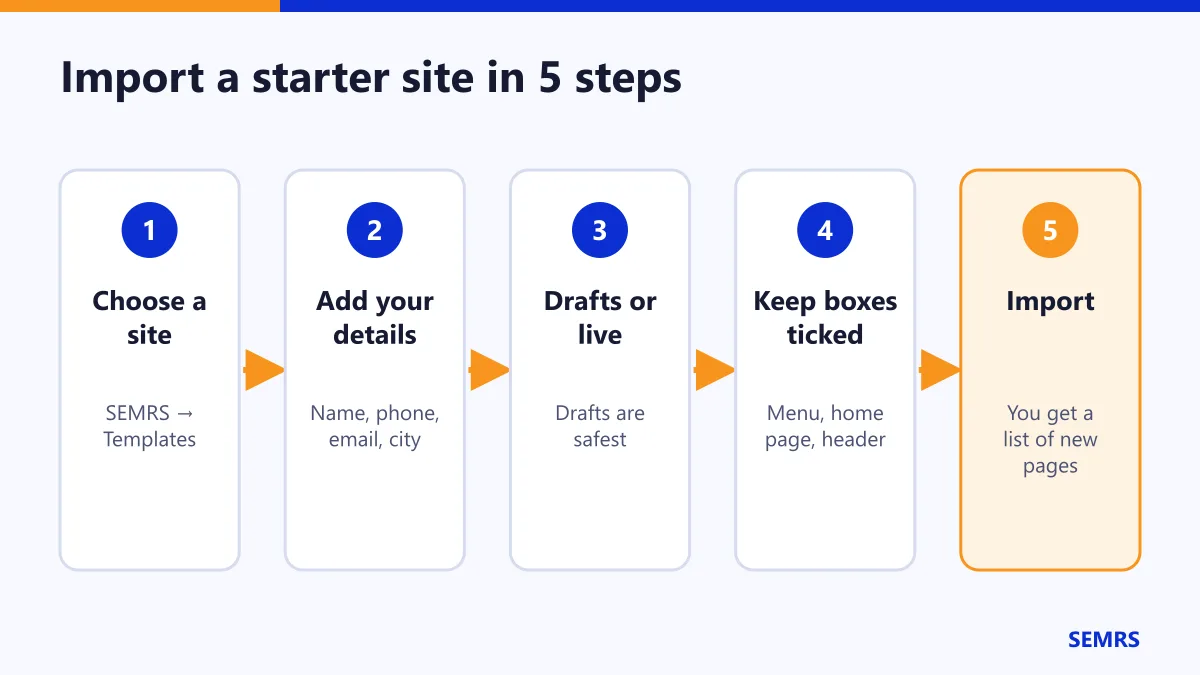
- Find a starter site you like. Use the Desktop / Mobile switch to see both looks.
- Click Import.
- Type your business name, phone, email and city. These go into the pages for you.
- Choose Create as drafts. This is the safest choice. You can check every page before anyone sees it.
- Keep the boxes ticked. They set your home page, make your menu and set up your header.
- Click Import starter site. You get a list of links to your new pages.
It is safe. Your old pages and posts are never deleted. If a page with the same address already exists, it is skipped.
The starter sites
There are 16 free and 7 Pro starter sites.
| Free starter sites | Pro starter sites |
|---|---|
| Agency, SEO Services, Digital Marketing | Consultant |
| Content Marketing, Social Media, Guest Blogging | Clinic |
| Local Business, Cleaning, Handyman | Travel Agency |
| Repair Shop, Gardening, Pet Care | Camping & Outdoors |
| Dentist | School & Admissions |
| Blog, Top 10 Lists, Travel Blog | Online Courses, AI & LLM Services |
After you import
- Change the example prices, hours and areas to your own.
- Swap the pictures for your own photos: click a picture, then Replace.
- Read every page before you publish it.
- Add only real customer reviews. The templates never include fake ones.
Headers and footers
Open the Headers & footers tab. You can pick from six header layouts and three footer layouts. Click Apply. Then fine-tune it in Customize → SEMRS Theme. This needs the free SEMRS theme.
Add one page or one section
- Open any page in the editor and click +.
- Open Patterns.
- Choose SEMRS full pages or SEMRS sections.
- Click a design to add it. Then type your own words.
Pictures and licenses
All pictures in the templates were made for SEMRS. You may use them on any site. They are copied into your Media Library the first time you import.
Ready-made shops
Install the free SEMRS Shops plugin to add two full shops: a digital downloads shop and a crochet pattern shop. Each comes in four shop styles. Add your own checkout link to each product. Until you do, the button says “Not available yet”. Check the example prices and replace the policy placeholders before you publish.
SEMRS templates help and next steps
Imported pages are normal WordPress pages built from block patterns, so you can edit every word. Change colors in the theme guide and edit blocks with the Blocks guide. Need a hand? Contact us.