SEMRS SEO helps people find your site on Google. It writes the hidden page details that search engines read. It also checks each page and tells you what to fix, in plain words. It is part of the free SEMRS Core plugin.
Set up SEMRS SEO in 4 steps
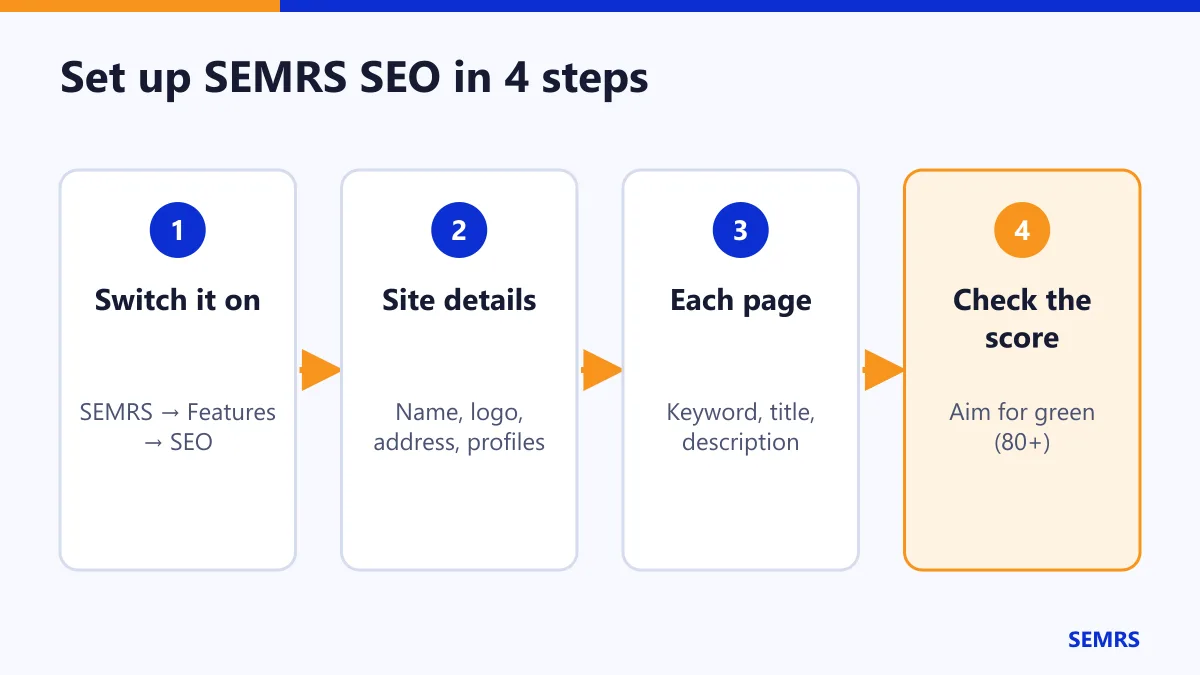
- Go to SEMRS → Features and switch on SEO.
- Open SEMRS → SEO. Add your business name, logo, address and social profiles.
- Write a title and a short description for your home page.
- Paste your Google Search Console code under Verification.
Tip: your home page title should be under 60 characters. The description should be under 160.
Fill in each page
When you edit a page or post, open the SEMRS SEO panel. Fill in three things:
- Focus keyword: the main words people type into Google to find this page.
- SEO title: the blue link people see in Google.
- Description: the short text under the link.
You see a preview of how the page will look in Google. The counters show when your text is too long or too short.
The SEO score
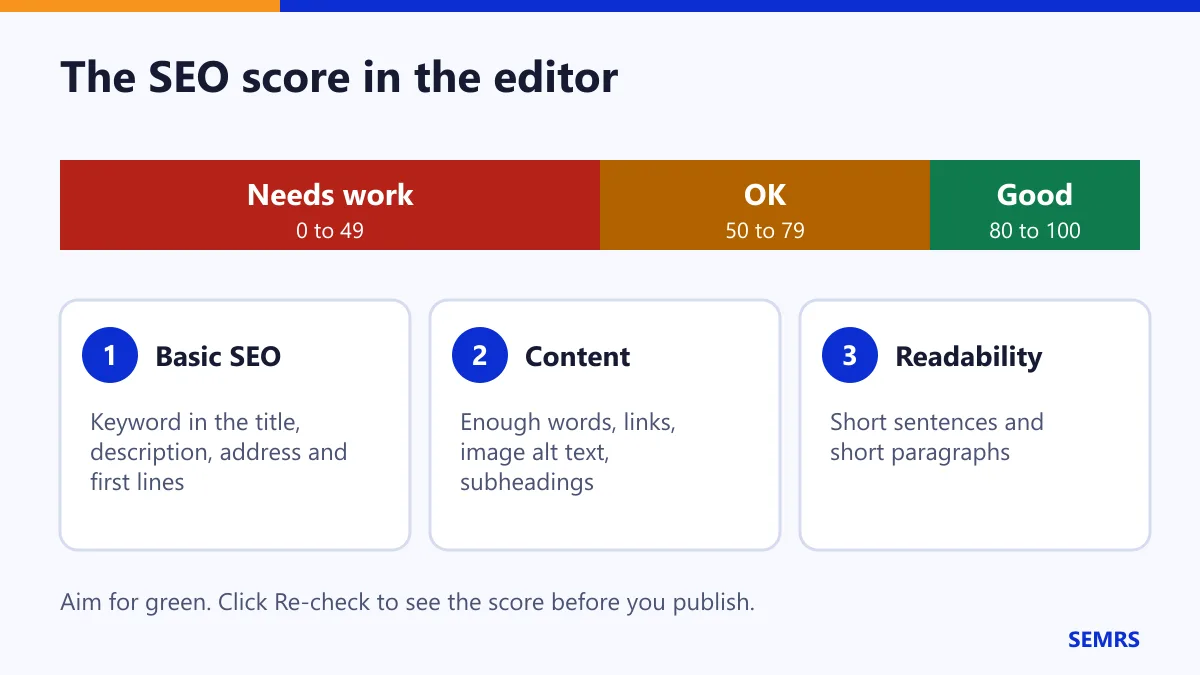
Every page gets a score from 0 to 100. The checks are in three groups:
- Basic SEO: is the keyword in the title, the description, the address and the first lines?
- Content: does the page have enough words, links, picture alt text and subheadings?
- Readability: are the sentences and paragraphs short?
Click Re-check to test your changes before you publish. The score also shows in the SEO column of your Pages and Posts lists. Click the column name to sort by score.
Internal link ideas: after a re-check, SEMRS lists your other pages on the same topic. Link to them to help readers and Google.
Check your whole site
Go to SEMRS → SEO Audit.
- Site checks run at once. Each problem has a Fix link.
- Click Run the content audit to score every page. You see missing descriptions, repeated titles, short pages and pages nobody links to.
Tip: pages that no other page links to are hard for Google to find. Link to them from related posts.
Schema, sitemap and llms.txt
These run on their own. You do not need to set them up.
- Schema tells Google what your page is about: your business, an article, a service or FAQs. It only describes what visitors can really see.
- Sitemap is a list of your pages for Google, at
/wp-sitemap.xml. Send it to Google in Search Console → Sitemaps. - llms.txt is a short map of your site for AI assistants. You can switch it off in SEMRS → SEO → Indexing.
Moving from another SEO plugin
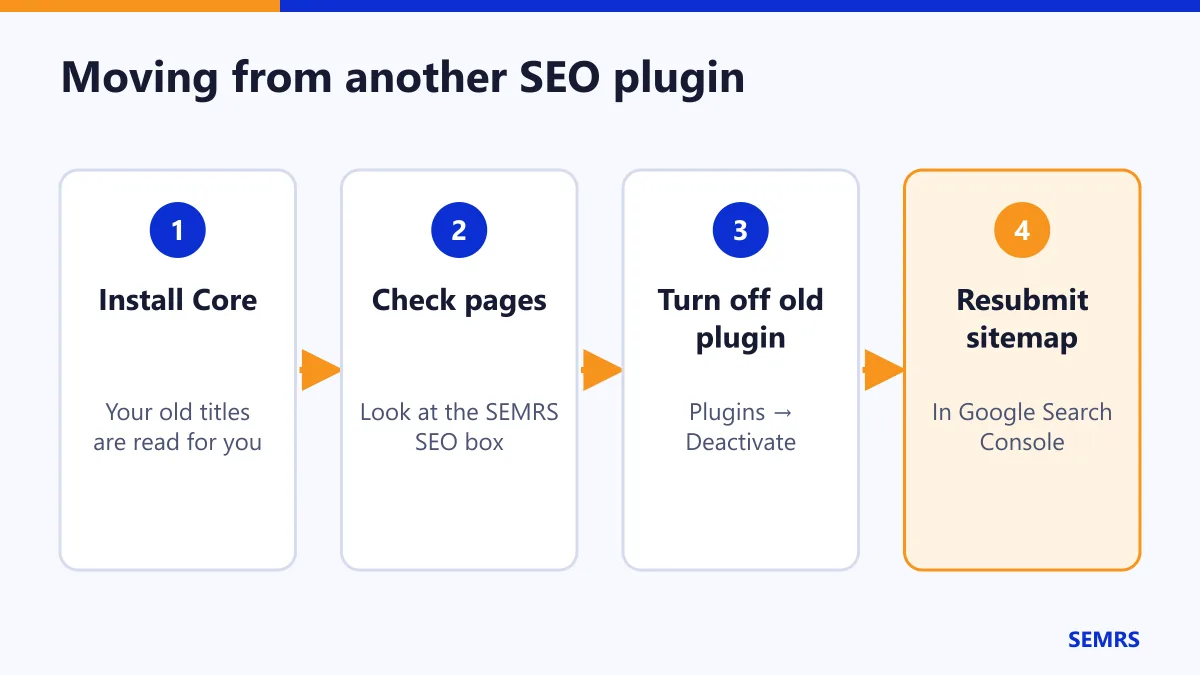
SEMRS reads the titles and descriptions you saved in Rank Math, Yoast SEO or All in One SEO. Nothing is lost.
- Install SEMRS Core. Look at a few pages in the SEMRS SEO panel.
- Deactivate your old SEO plugin.
- Open a page and check that it still has its title and description.
- Send your sitemap to Google Search Console again.
While another SEO plugin is active, SEMRS waits. You never get the same tags twice.
Extra SEO in SEMRS Pro
Pro adds redirects, a 404 error log, local SEO for many locations, instant indexing, automatic alt text and a bulk editor for titles and descriptions. See the Pro guide.
SEMRS SEO help and next steps
Write for people first. Our checks follow Google Search Essentials, the rules Google shares for sites that want to rank. For faster pages, read the speed guide. Questions? Contact us.